Pageviews past week

Sunday, April 01, 2007

New blog for the Human race

My family moved away without me.Image by NyOkieSue via Flickr

This will still be my personal blog but I started a new one to include some other bloggers and their inspiration, information, advise what have you. The blog focuses more on self improvement, parenting, fitness, diet, gardening, camping--Everything to do with all of us--the human race and our quest for life, love and beauty.
Hope to see you there!

Enhanced by Zemanta

Thursday, March 08, 2007

Desktop Battle of my Photo editors

I've recently had to uninstall my cheapy software that came with different digital devices (some I still own some I don't) One does one thing well and so on. I made it down to 3 photo editors other than what may have already been installed on the pc (that I've yet to use anyway).
The fight was of course between HP software against other Hp software. I weeded through that pretty quick like.
So now we have HP, Adobe, and Picasa. Keep in mind I'm using Windows with Hp products/devices (although my lil one's cameras of all brands are recognized by all this software)
Another main point is : These are all full versions (not trials) of FREEEEEEE. Always free.
Also-I'm not talking about online tools. For that we have Photobucket,Flickr and imageshack. (picasa too i guess)

Here were my findings:(Pardon the capitols)


ADOBE;**
GREAT FOR ORGANIZING
GREAT CALENDER VIEW
QUICK FIX(SMART FIX)
RECOGNIZES FILES THAT WERE ALREADY TRANSFERED
AND COPIES/DUPLICATES
KIND OF BAD ABOUT GETTING YOU TO SPEND $$$
I CAN'T REMEMBER SLIDE SHOW OR CAPTION

HP;*
GOOD FOR CREATING AND PRINTING/SAVING ALBUM
PAGE SETUPS
KIND OF UNRELIABLE ON ALL FEATURES
GOOD FOR EMAIL
REAL BAD ABOUT TRYING TO GET U TO SPEND $$$
CAPTION THERE BUT WEIRD (AFTER THE FACT)
SLOW (3 SECOND SLIDE SHOW)
EDITING SUX

PICASA;***
REAL FAST
GREAT FOR EDITING!
SO SO ON SHARING(ONLINE IS PAIN IN ASS)
EXCELLENT FOR EDITING
EMAIL IS GOOD
CAN MAKE COLAGES NOT SIMPLE TO REARRANGE
NOT GREAT ABOUT DUPLICATES
NEVER WANTS $$$$
GOOD FOR QUICK CAPTIONS
FAST SLIDE SHOW DISPLAYING CAPTIONS(1SEC)
RECOGNIZES USB AND PRINTER(MEMORY CARD)
IMMEDIATELY


ALL GOOD ON UPLOADING FROM CAMERA AS A DISK DRIVE
HP DOES NOT DO THE CAMERA AS A CAMERA (LIKE IT IS
SUPPOSED TO)

ADOBE BEST USED WHEN YOU NEED A QUICK FIX FOR A
MILLION PHOTOS
SORTING WITH CALENDER

PICASA BEST OVER ALL & FOR EDITING


HP IS THE BEST FOR CREATING,SAVING & PRINTING
ALBUM PAGES (PRINTER KIND OF TRICKY AS IT ASKS TOO
MUCH TECHNICAL CRAP)


IDEAL THING WOULD BE TO VIEW ON **ADOBE (MIGHT
AS WELL UPLOAD ON IT) THE OTHERS WILL FIND THE
FILES LATER

EDIT ON ***PICASA AND SAVE (OR JUST EMAIL)

ARRANGE--SEND SAVE OR PRINT WITH *HP (EMAIL GOOD
NOW, ALTHOUGH QUIRKY AT FIRST)


(HAD TO GET RID OF CAMERA SOFTWARE TO MAKE IT
QUIT "FIGHTING" WITH OTHER HP SOFTWARE)
(I USED TO LIKE THE HP DIRECTOR--BUT IT ALL PROVED
TO BE A MESS THAT WAS BEST UNINSTALLED TO SAVE
THE CONFUSION----DEVICES REALLY DON'T NEED THE
SOFTWARE TO FUNCTION ANYWAYS ALTHOUGH HP SAYS
THEY DO--ALL SOFTWARE RECOGNIZES ALL THE DEVICES)


So there you have it, PICASA is the winner!
Editors are supposed to edit.
Picasa has the most editing tools
You can create collages but the album page thing sends them online and that is not what we are talking about here.

It would be nice to have one of anything that does it all --but you know how the saying goes...You can't have it all/ or is it You can't have nothing? something like that.

My friends come to me when they want their pics taken and I have to have the best way to display edit and produce them.


I recently did a very stupid thing while searching for info on whether or not a person needs an email client, what kind, does it have pretty stationery, and so forth.
Instead, I stumble across, Freenigma. So quick and easy to install. It's an encryption tool made for "Crypto Dumbies" Works well with webmail. I have no idea why, but I thought it was a grand idea. I get it and immediately disable it. I then read tons of discussions in my Google reader on the thing. Ok now I'm scared. I think some more and realize it's no worse than any other online thing. But the whopper is..................Just who in the hell will I email with this? Does Mom have a decrypting thing? Does anyone? What would be the point? Wouldn't it get forwarded somewheres decrypted or something? Would it not get deleted the minute someone received it? Who am I? Am I 007 now or what? If I uninstall this thing is my key forever in someone elses hands now? Are they going to get mad and encrypt my stuff in/outgoing for ever? I do have one friend that wants to send code messages with no subject line back and forth--just us. Yay. I noticed it doesn't do anything with my signature links in my email. I tested it emailing myself and it asks for your password every single time (decript/encrypt) I don't know what the hell I have done-All I wanted was some pretty stationary. It was the damn word "free" that got me in this mess to begin with. lol!

Well, we'll just have to see the outcome...I hope my blogs don't get encrypted. Shit-I mean Shoot! That sounds scary, I should have labeled this posts "Tales from encrypt"................


Wednesday, March 07, 2007

Update

It's been awhile since I've posted to this blog as I've been playing over at Hot cut of Java. I'll be returning here soon. After all this was my first lol.


Sunday, October 23, 2005

"I wuw woo"

There would have been a few frames in between these,  but this is where Gran'Angel says, "I wuw woo" to her granny.  Just watching her lil lips form those words is awesome.  And hearing those words is a trip!  Of course, she hears these very words from me at least every other sentence, so it only makes sense she would pick up on these words.  To look in her eyes though, convinces me that she means it.  She talks so much now!  It's rare she ever crys.  When she does cry it mean something is terribly wrong.  Like she is saying,"Come quick!  I think it may be my stomach.  It's going empty! Hurry!  Yeah the bottle thing!"  or "Uh oh, I'm too wet.  Hurry, get rid of this!" 
Image hosted by Photobucket.com

Image hosted by Photobucket.com

Image hosted by Photobucket.com

Image hosted by Photobucket.com

Autumn in Oklahoma

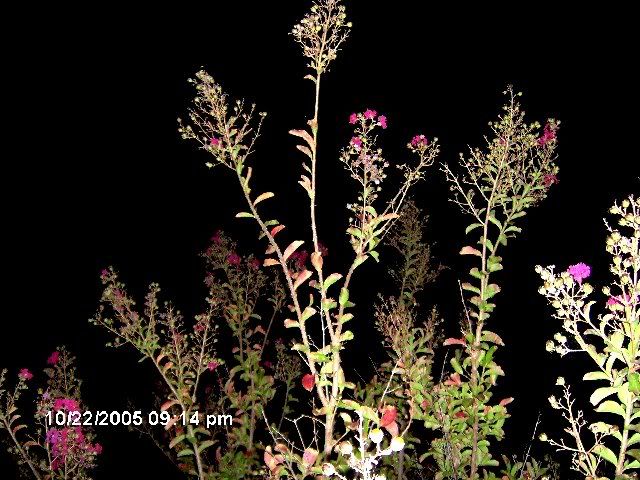
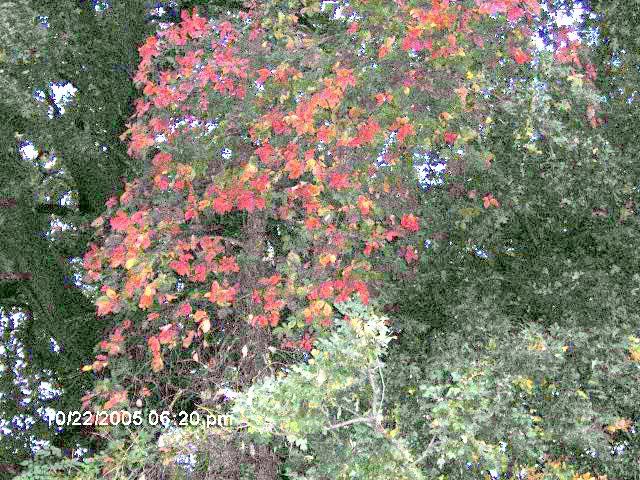
This is my first blog entrie posted from my photobucket account to blogger.  Recently, I've been on a quest for color here in Tulsa (and surrounding areas).  These kind of look like "left over summer shots" lol.  I'm also playing with my new digital--editing my night shots with no flash on Picasa, and uploading to Photobucket.  I've turned off a few of my features on the cam itself because I like the contrast as I view it.  I'm finding that I end up needing some fill light on some these shots, however.  I may need to adjust my new cam again accordingly. 
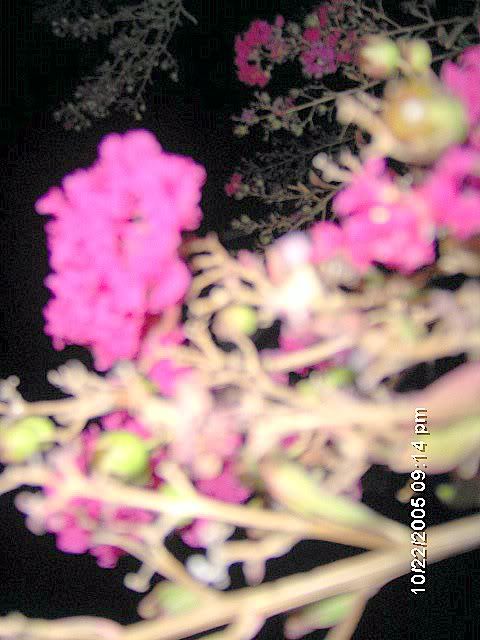
Image hosted by Photobucket.com

Image hosted by Photobucket.com
Celebration station in Tulsa.  Kiddo took me there in honor of my Birthday.
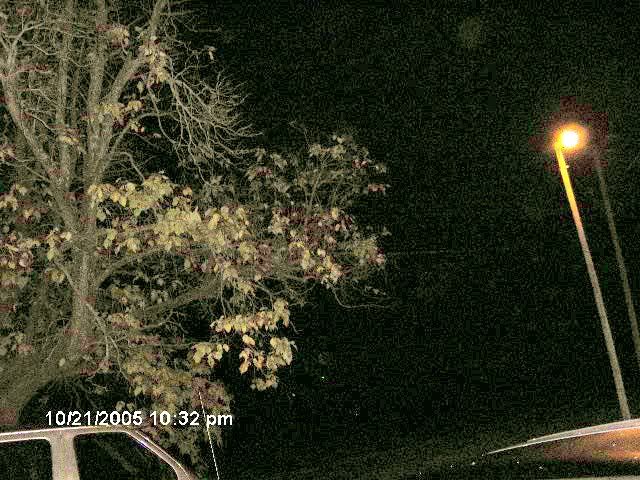
Image hosted by Photobucket.com
This is my everyday work tree that I view as I take my smoke break. 
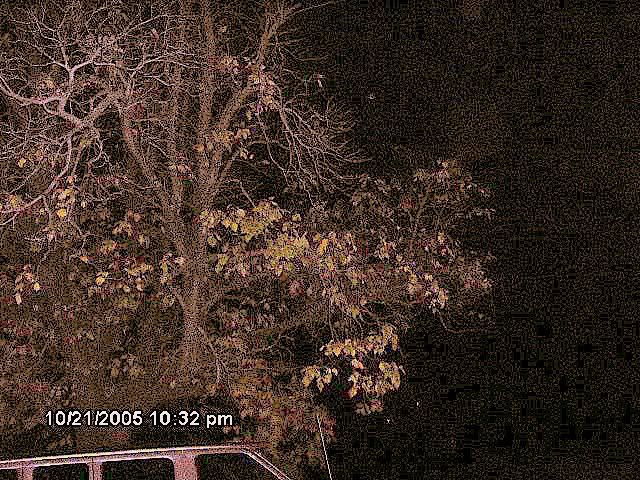
Image hosted by Photobucket.com
I sharpened it a tad--again, still playing around.
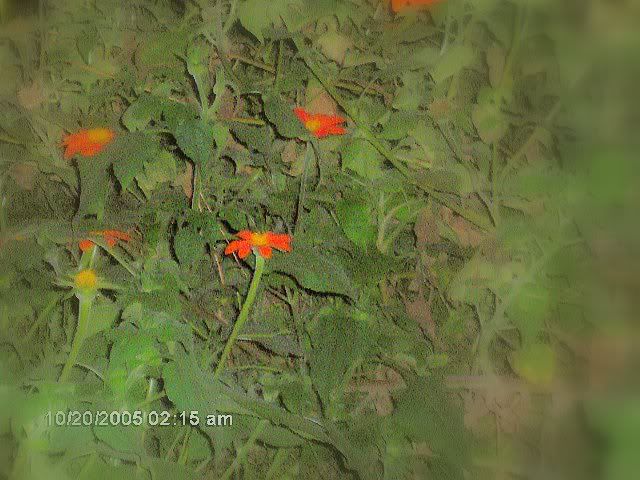
Image hosted by Photobucket.com
My 10 ft mutant Tithonias still plentiful and full of butterflies.
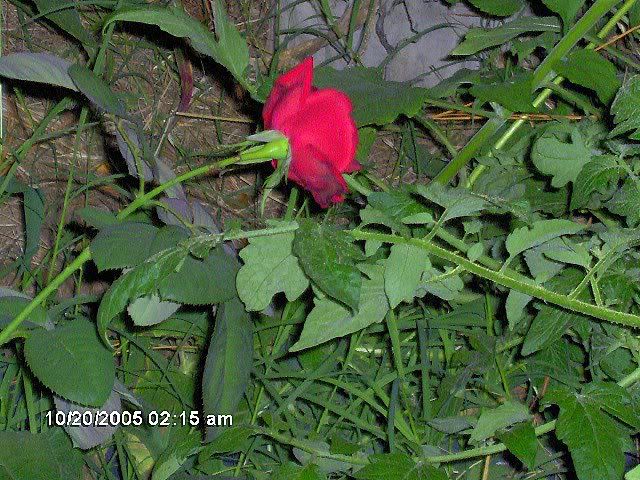
Image hosted by Photobucket.com
One of the last roses visible in my garden.
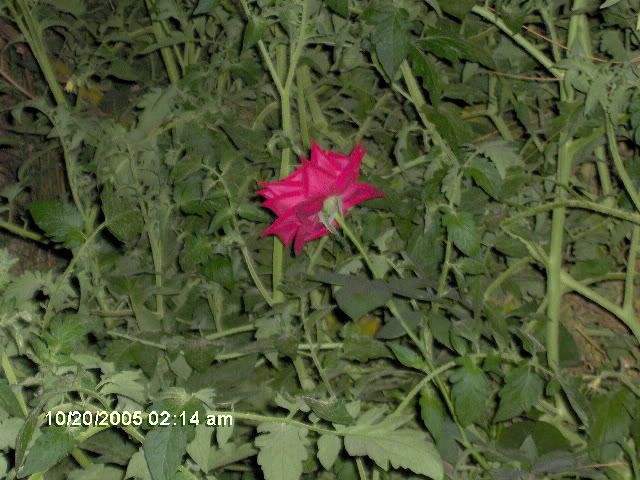
Image hosted by Photobucket.com

Image hosted by Photobucket.com
This was taken near Utica and 21st-31st area in Tulsa.  I noticed alot more color there as I drove thru. 
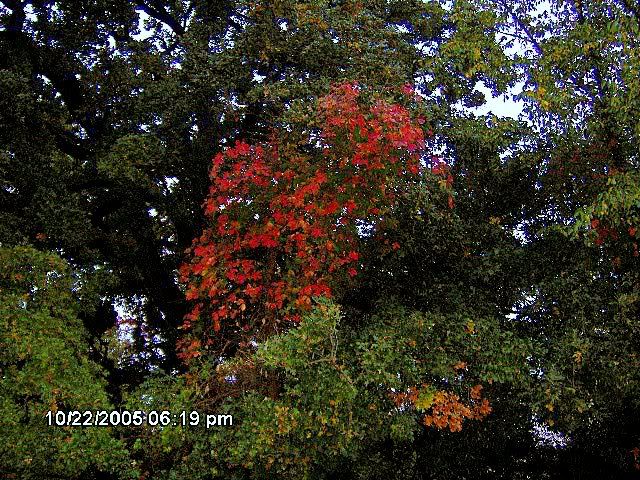


As I was driving,  I realised I just may have to return for more pics.  I got this one thanx to a red light lol.